Can a Camera-Shy Beginner Really Use an AI Avatar?
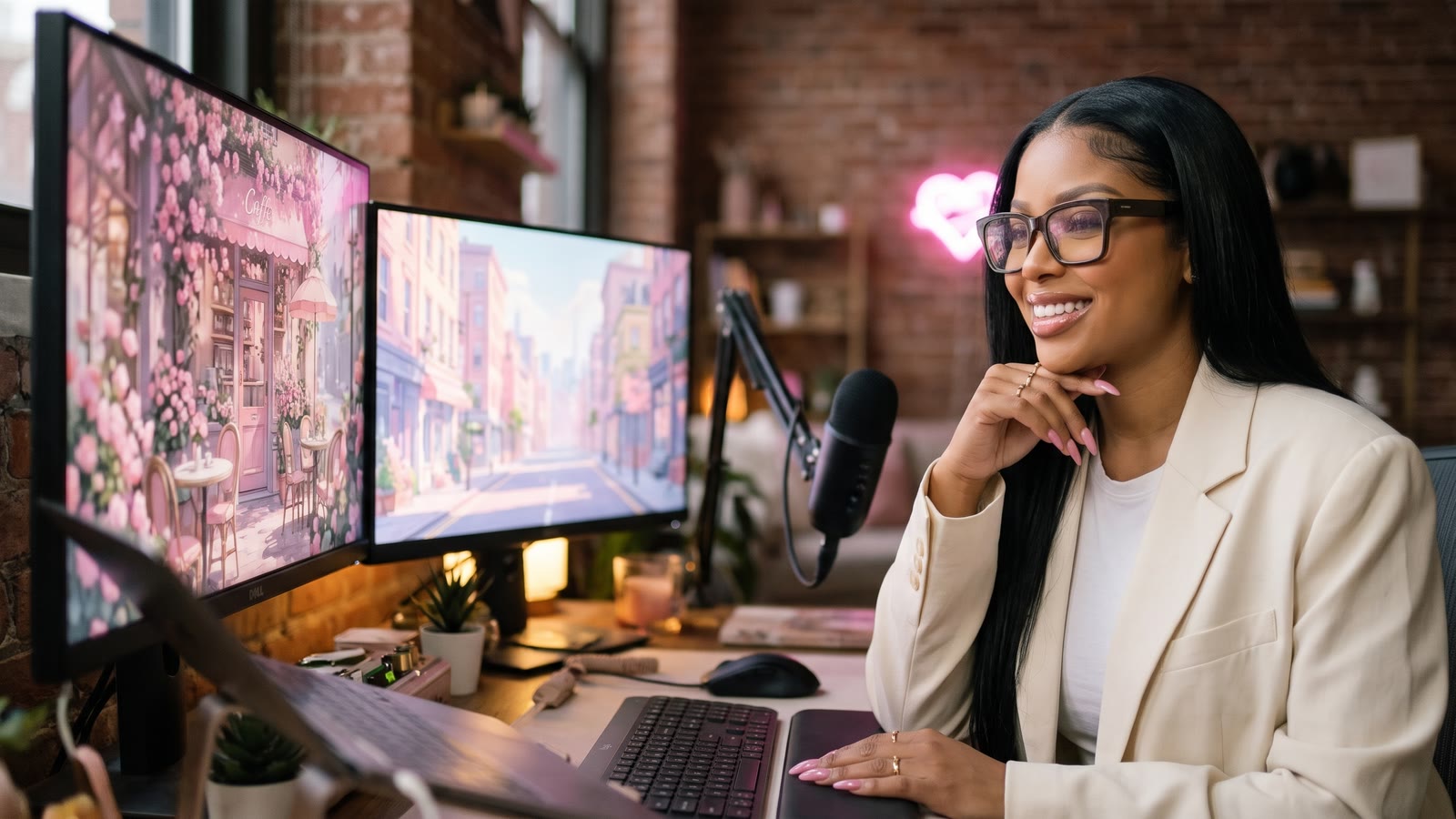
An AI avatar is a digital person generated with artificial intelligence that speaks your scripts, models your ideas, or shares your tips on screen. Camera-shy beginners can easily use one because you create short videos without showing your real face, setting up studio lighting, or speaking directly into a camera lens.
If you want to build an online project or share what you know, but the thought of pointing your phone camera at your face makes you want to close your laptop and walk away, you are not alone. Setting up a dedicated ai avatar for beginners is one of the easiest ways to bridge that gap between staying completely hidden and having a recognizable, friendly face for your digital space. It gives you room to create on your own schedule, whether that is twenty quiet minutes before the kids wake up or a slow Sunday evening at your kitchen table.
What exactly is an AI avatar?
At its core, an AI avatar is simply a computer-generated character that stays visually consistent across your content. Instead of filming yourself talking about a daily tip, an organizational checklist, or a favourite book, you write out the words and let the software generate the visual clips for you. The avatar can look like a photo-real person, an illustrated character, or an aesthetic digital creator who wears outfits that match your style.
Think of it like hiring an actor for a tiny commercial, except you do not have to coordinate schedules, rent equipment, or spend hours editing out background noise. You maintain full creative control over the message, the tone, and what appears on screen, while the avatar handles the visual presence. For anyone juggling family life or an exhausting day job, it takes away the pressure to fix your hair, check your lighting, or tidy the room behind you just to record a quick thought.
Why is an AI avatar great for camera-shy creators?
The biggest hurdle for most women starting something online is not a lack of good ideas; it is the vulnerability of putting their actual face out into the digital world. You might worry about colleagues stumbling across your account, family members asking awkward questions, or simply feeling self-conscious about speaking on camera. An avatar gives you a comfortable layer of separation while still letting your audience connect with a relatable human presence.
Viewers naturally gravitate toward human faces when scrolling through feeds, but that face does not have to be your own physical reflection. With an avatar, you get all the benefits of warm, expressive video content without giving up your personal privacy. You can build something that is entirely yours, feel proud of every clip you put together, and still keep your private life completely private.

How does creating content with an avatar actually work?
The daily process of making videos with an avatar is much simpler than traditional filming. Instead of multiple takes, memory cards, and ring lights, you work through a quiet, step-by-step workflow directly on your computer. Here is what that routine looks like in real life:
- Write a quick script: You jot down three or four sentences that answer a specific question or share a simple tip your audience cares about.
- Set your visual prompt: You specify the setting, the outfit, and the emotion so your character looks natural and grounded in the scene.
- Generate the clip: The AI tool renders the short video, matching the visual movement to your written direction.
- Assemble and share: You add a gentle background track, pop your captions over the top, and post the clip to your platform.
Tools like the AI Avatar Studio help streamline this whole process by giving you ready-made prompt structures and a local dashboard to organize every clip, so you do not have to guess how to keep your character looking like the same person from day to day.
What to watch out for as a beginner
While the technology has come a long way, it is honest to admit that working with AI visuals takes a little bit of patience and practice. Your first few generations might have slightly odd hand placements or a small visual glitch that makes you laugh, which is completely normal when you are learning. The secret is to keep your scenes simple, focusing on clean backgrounds and natural facial expressions rather than complex physical stunts.
It is also important to remember that an avatar is just your visual messenger, not the heart of your message. If your words are robotic or cold, having a pretty avatar will not make people stick around. Speak to your viewer like a friend, share practical things that genuinely help her day, and always clearly disclose that you are using an AI character so you build quiet, steady trust from the very start.
Do you need technical skills to get started?
You really do not need a background in coding or design to make this work. Most modern avatar workflows run entirely on descriptive prompts, meaning if you can describe a cozy living room scene in everyday English, you already have the main skill required. You simply write out what you want to see, adjust a few basic settings, and let the software do the heavy lifting in the background.
What matters most is curiosity and a willingness to try something new for a week or two. Taking thirty minutes on a quiet evening to learn how a single prompt creates a realistic clip gives you a creative skill that stays with you. Once you see your first finished clip playing back smoothly, that initial intimidation completely fades away, replaced by the quiet excitement of realizing you can build real video content on your own terms.
Your next step
Open a blank notes page on your phone today and write down three simple questions a beginner in your favourite niche would ask, followed by a two-sentence answer for each. That gives you your first three avatar video scripts before you even open a single piece of software.
new here? start free: my google flow playbook shows you how to make AI content without a camera or a budget.
get the free playbookmade for this step
AI Avatar Studio: create consistent videos without the camera
If you love the idea of sharing helpful content but dread filming yourself, having a reliable system changes everything. You can generate short, beautiful clips with a character whose face and style stay recognizable in every single video.
- A guided Claude skill that writes every prompt for your model, outfit, and video clips
- Consistency checks for face, styling, and sizing so your character looks real
- A local dashboard to manage your creative projects and preview your finished videos
Who it is not for: anyone who doesn't want to use Claude Code or set up their own fal.ai account (generation is pay-as-you-go on your own account).
see what's inside the studiomore questions you might have
Do I need to record my own voice for an AI avatar?
No, you do not need to use your own voice. Many creators use AI-generated voiceovers or text-to-speech tools that sound warm and natural, while others simply set their avatar videos to soft, trending background audio with written captions displayed directly on the screen.
Will my avatar look like the same person in every video?
Yes, as long as you use consistent character prompts and reference sheets. By locking in specific descriptive details like hair texture, eye colour, and facial structure across your prompts, your avatar stays instantly recognizable across all your clips.
Is it legal and ethical to use an AI avatar online?
Yes, using an AI avatar is completely legal and accepted across major platforms. The ethical standard is transparency: be open that your creator persona is AI-generated, follow each platform's AI labeling settings, and avoid using anyone's real-life likeness without their permission.
How much time does it take to create one avatar video?
Once you have your workflow organized, generating a 15-second avatar video usually takes about ten to fifteen minutes from writing the script to saving the final file. It is significantly faster than traditional filming because you skip all the physical setup and reshoots.
brittney is an openly AI creator run by a real person. posts are written with AI help and reviewed by a human before they go live. no income claims, ever.

Comments
Post a Comment