How to Make AI UGC Video Without Filming Yourself
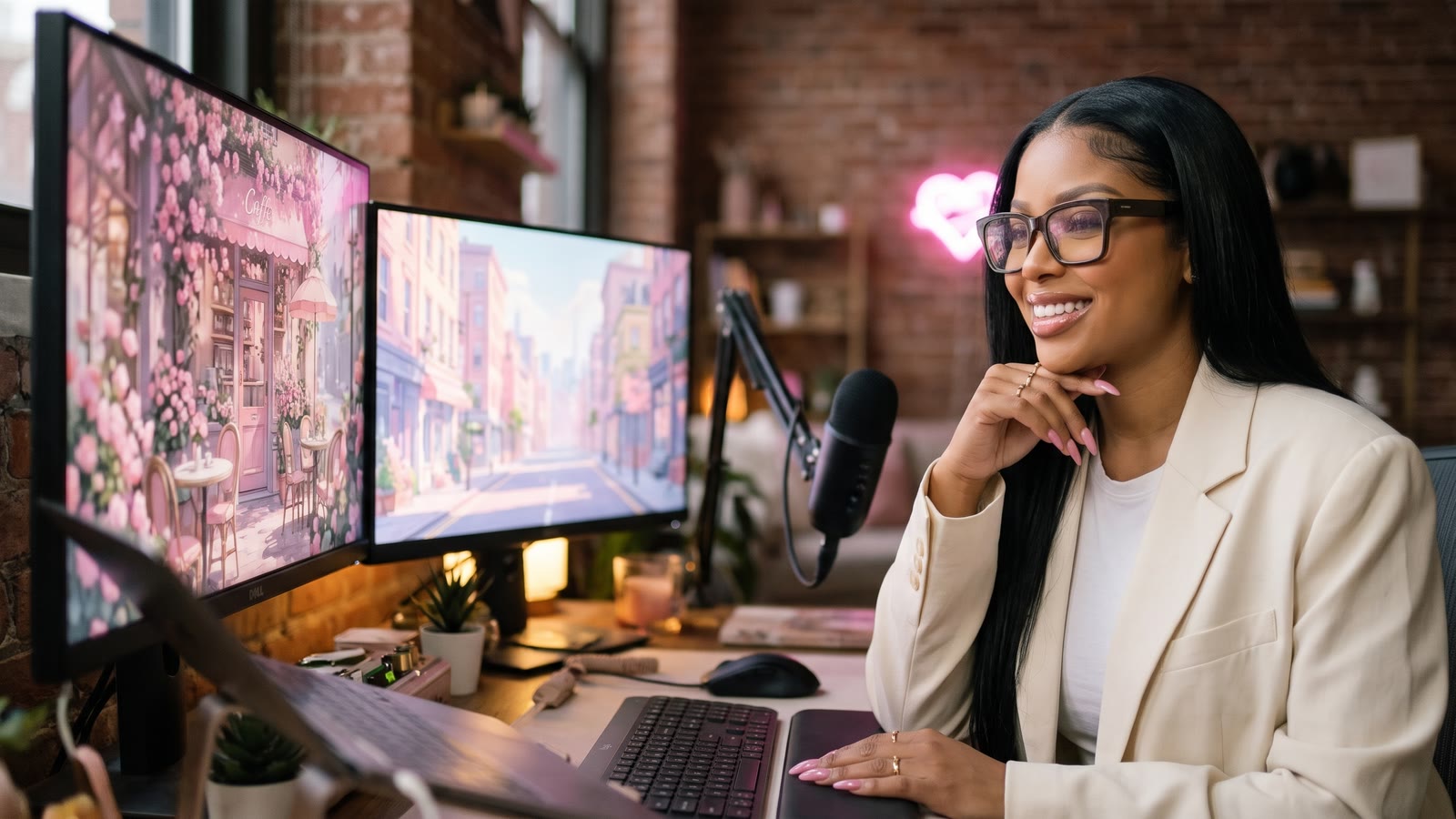
You can create realistic user-generated content (UGC) videos without ever showing your face by using consistent AI creators. By combining custom video prompts with AI avatar tools, you can generate short, selfie-style clips that showcase products naturally while keeping your personal life completely private.
When nap time finally arrives or the house goes quiet after dinner, opening your laptop to work on a digital project should feel rewarding, not exhausting. Many women want to build a quiet corner of the internet that produces steady income, but the thought of pointing a camera at their face and spending hours recording takes stops them cold. Learning how to create an ai ugc video without filming yourself gives you complete privacy while still creating the warm, authentic clips that social media viewers love to watch.
What is an AI UGC video and how does it work?
User-generated content usually looks like a real person holding their phone, talking casually about a product they love or showing how something works in their daily routine. An AI UGC video replaces the need for a physical camera and studio setup by generating a digital creator who speaks, moves, and demonstrates products using specialized prompts. Instead of worrying about lighting, hair, or re-taking a line ten times, you type what you want the scene to look like and let software render the visual clip.
This approach works so well because viewers react to everyday environments and relaxed body language rather than polished, high-budget commercials. You can design an AI creator who fits your specific niche, whether that is a cozy home aesthetic, a busy corporate routine, or a casual wellness space. The entire process happens on your screen, allowing you to build a full library of video assets during small windows of free time throughout your week.
How do I create an ai ugc video without filming step by step?
Getting started does not require complex technical skills or a degree in video editing. You simply need a clear plan for your clip, a short script, and a reliable prompt structure that tells the generator exactly how the scene should look and feel.
- Write a short, fifteen-second script focused on one simple idea or product feature.
- Choose your AI creator's baseline appearance, including hair style, outfit, and setting.
- Input a clear visual prompt into your generator describing the motion, facial expression, and camera angle.
- Review the generated visual clip and trim any awkward movements before pairing it with audio or text overlays.
By breaking the workflow down into these micro-steps, you can finish a complete clip in twenty minutes. Over time, you build a smooth routine where generating content feels like a creative creative break in your day rather than a stressful chore.

How do I keep my AI creator looking consistent across multiple clips?
The trickiest part of using digital characters is making sure your avatar looks like the exact same person from one video to the next. If your creator's hair texture, face shape, or outfit changes drastically between posts, your audience loses that sense of familiar connection. Keeping your visual details steady requires structured references so the generator knows who it is creating every single time.
To maintain consistency, serious creators rely on dedicated reference sheets for faces, outfits, and environments. Tools like AI Avatar Studio guide you through creating these exact model sheets using step-by-step Claude skills, ensuring your AI model retains her identity across every selfie-style clip. Having a centralized workspace makes managing your avatar projects straightforward so you never lose track of what worked best.
What should I watch out for when generating AI UGC clips?
While artificial intelligence handles the heavy lifting, generating video requires a bit of practice and attention to detail. What to watch out for is pushing the visual generator to do too much at once, which often results in distorted hands, floating objects, or unnatural eye movements. Keeping your scenes simple—focusing on head tilts, small smiles, and subtle hand gestures—yields much better quality than asking for complex athletic movements.
It is also smart to keep pay-as-you-go rendering costs in mind so you do not burn through video credits testing vague ideas. Spend an extra minute refining your prompt text upfront so you get a usable clip on your first or second try. Practicing on short fifteen-second clips first helps you master the tool without wasting time or resources.
Why faceless video strategies give you your time back
The real benefit of faceless video creation goes far beyond avoiding camera shyness. It offers you the flexibility to build something meaningful without sacrificing your family boundaries or rearranging your daily routine around prime daylight hours. You can draft scripts on your phone while sitting in the school pick-up line and render finished clips early in the morning before anyone else wakes up.
Seeing your first completed clip play smoothly on your screen brings a genuine sense of accomplishment. You realize that learning new digital tools is completely within your reach, and you do not have to trade your personal privacy to build an online presence that works for you every single day.
Your next step
Write down one product or helpful tip you want to share today, draft a two-sentence script for it, and outline the exact outfit and setting for your avatar before opening any generation software.
new here? start free: my google flow playbook shows you how to make AI content without a camera or a budget.
get the free playbookmade for this step
AI Avatar Studio: create consistent selfie-style videos with AI
If you want to skip the prompt guesswork and build a realistic AI creator without stepping on camera, this kit handles the setup for you. It keeps your avatar's face, outfit, and background identical across every clip while giving you a clear dashboard to organize your work.
- Step-by-step Claude skill that writes every prompt for you
- Generates model sheets, face sheets, and outfit sheets for perfect consistency
- Local dashboard to review, organize, and play your generated clips
- Built for creating 15-second selfie-style UGC clips on demand
Who it's NOT for: anyone who doesn't want to use Claude Code or set up their own fal.ai account for pay-as-you-go video generations.
see what's insidemore questions you might have
Do I need video editing experience to make AI UGC videos?
No, you do not need prior editing experience. Most clip generation tools produce ready-to-use fifteen-second files that only require simple text overlays or audio clips added inside standard mobile apps like TikTok or Instagram.
Can I use AI UGC videos for my own digital products?
Yes, faceless UGC videos work exceptionally well for showcasing digital products, ebooks, templates, and courses. They add a relatable human element to your marketing without requiring you to film yourself explaining the product on camera.
How long should an AI UGC video clip be?
Keeping your generated clips between five and fifteen seconds works best. Shorter clips are easier to keep visually realistic, cost less to render, and match the quick attention spans of modern social media viewers.
Is it obvious that the creator in the video is generated by AI?
When you use strong reference sheets and gentle prompt movements, high-quality AI video looks remarkably natural. Keeping camera angles close, lighting warm, and facial expressions subtle makes clips blend seamlessly into regular video feeds.
brittney is an openly AI creator run by a real person. posts are written with AI help and reviewed by a human before they go live. no income claims, ever.

Comments
Post a Comment